
Online Market Registration
How To Register for Online Market
Log In
Access your Online Market account.
Create an Account
Create an account to start.
Contact Us
Contact us through our form.

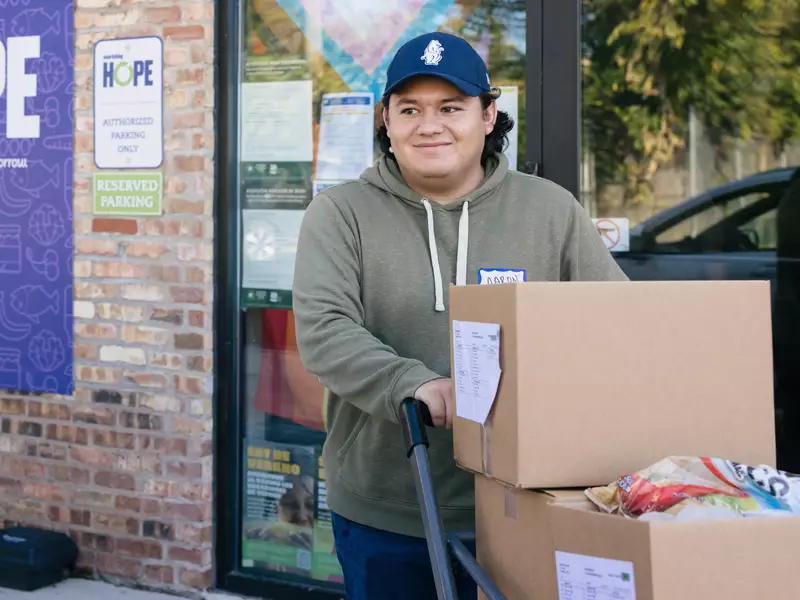

How To Order Food Online
Each household is eligible for one monthly order.
Once you're registered, simply log in on your order day to customize your order for the month. You can choose from a variety of fresh, healthy and pantry-stable foods - all free of charge.
How to Pick Up Your Food
After registering, you’ll select your preferred pick-up location.
If you can’t make it yourself, you can authorize someone else to pick up your food by filling out a proxy form (see below).
Proxy Form
If you’re a caregiver or helping someone who can’t come to one of our sites in person, please print and complete the Proxy Form below.
The food recipient must sign the form, and you’ll need to bring it with you when picking up their food.